

Game info
Creative role play, Digital dollhouse
Explore Toca Boca World character creation, Home Designer, Outfit Designer, roleplay ideas, Post Office gifts and official support.
About Toca Boca World
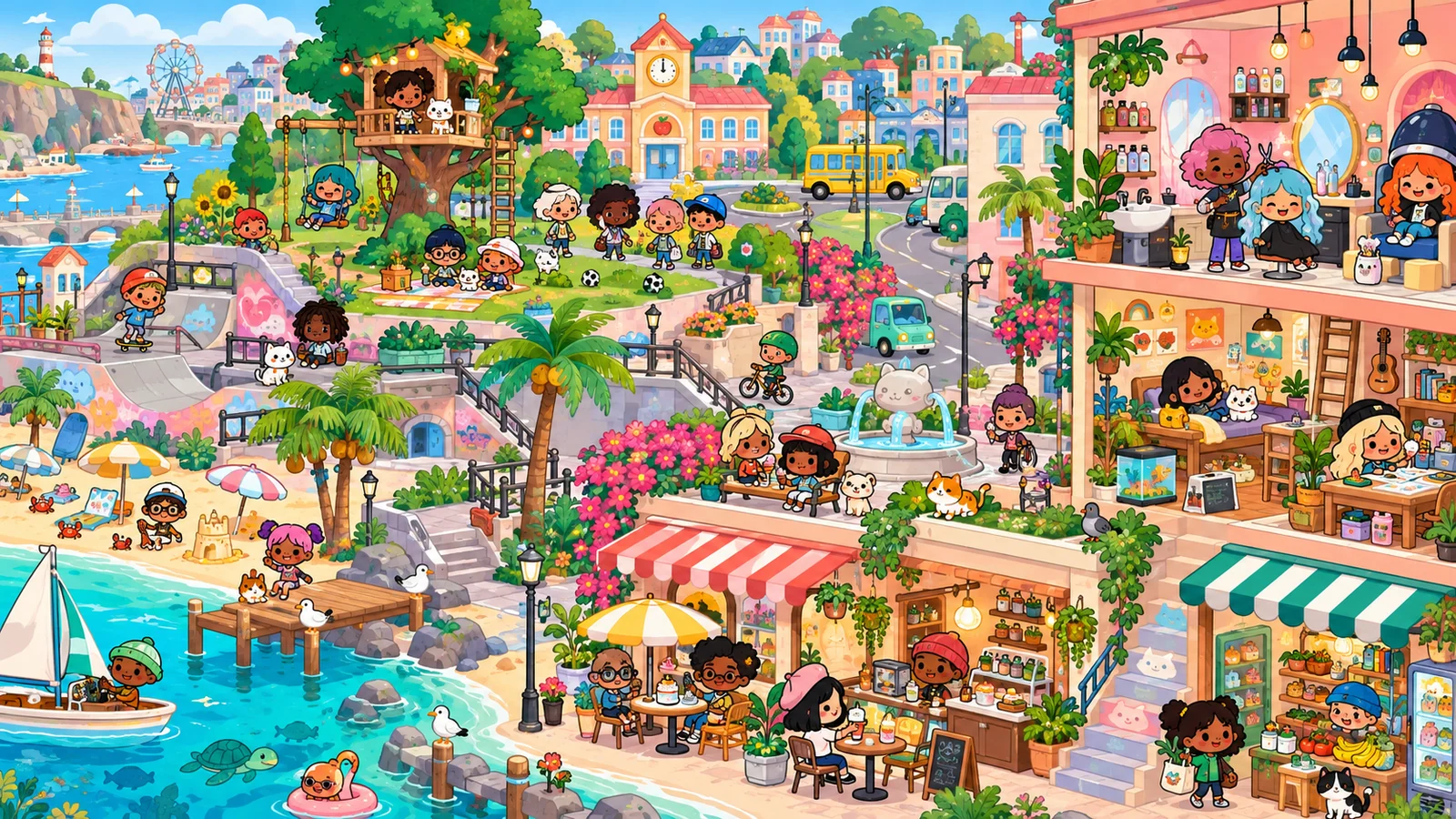
Toca Boca World is a pretend-play game about making characters, arranging places and deciding what happens next. A kitchen can become a café, a bedroom can become a film set, and an ordinary object can start a whole story. The most useful starting point is a small scene you can actually finish, such as breakfast, a surprise visit or a lost item.
Character Creator establishes the cast, Home Designer shapes the setting and Outfit Designer gives people clothes for their activities. The official Toca Boca World product page introduces those creative tools and the connected world around them. Begin with a person who wants to do something, choose the place where it happens and use the objects that make the action visible. A finished scene needs a clear event more than a large collection of decorations.
Getting Started in Toca Boca World
Toca Boca World starts by connecting character creation with places to explore and personalise. Make someone to play, choose a home and then give that character an everyday activity. A breakfast, a trip to a café or a visit from a friend each provides a reason to move people and objects rather than arranging a room with no action in mind.

The different creation tools contribute to the same project. Character Creator establishes a recognisable person; Home Designer provides the furniture, walls and floors around them; Outfit Designer prepares clothing combinations. You can work on those parts one at a time, then bring them together in a scene. A modest first project, such as preparing for a guest, gives every tool a job and leaves room for a longer story later.
Gameplay Overview: How to Play
In the app, the new-player sequence connects character creation, a first house, Rob-o Café and the Post Office's Lost & Found. That gives a useful route for a first project: create someone, give them a place to live, take them out for an activity and bring a gift or prop back into the story. It is a more useful beginning than trying to visit every location before deciding what to do.
For a café episode, bring two characters together and choose which one orders and which one prepares the food. Move the relevant cup or food item where the exchange is visible, then act out the handover. You can finish with both characters seated or with one carrying something away. The action itself provides the goal; a complete short scene does not need a score or a long mission list.
Gameplay Overview: Controls
Use a mouse on desktop or a finger on touchscreens for the actions the game supports. Click or tap a button to open a category; drag a movable person or object to change its position. Start with a short movement across a clear area. When several objects overlap, select one with a visible edge so you can see which item is actually moving.
Dragging distance matters. Releasing too early can leave an object beside a hand or above a shelf instead of in the intended place. Move slowly near the target and watch for the game's placement response. If a drop does not work, clear the space and try the same action once more with a different position. Repeating the same crowded drop at high speed gives you less information and can make accidental rearrangements harder to undo.
Gameplay Overview: Pro Tips
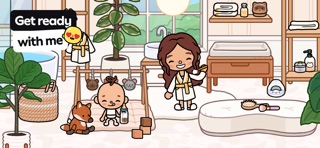
Before building a detailed room, decide what activity needs space. A restaurant needs a route from the food area to the customer; a bedroom needs somewhere for a character to stand and change clothes. Place the essential furniture first, then test the action. Decorative objects can wait until the room works. This prevents a beautiful arrangement from becoming awkward to use during the story.
Keep a small set of important props together. For a school-morning episode, that might be a bag, a snack and one favourite item. Put spare decorations somewhere else so the player can recognise the objects that matter. After each scene, return those props to a consistent spot. Resetting the scene this way is useful when you want to replay it, change the ending or compare two versions of the same idea.
Key Features of the Official App
The app's tools give different parts of a project a clear home:
- Character Creator defines who appears in the story.
- Home Designer provides the place and its furniture, walls and floors.
- Outfit Designer creates clothing combinations for the characters.
- Bop City's locations and the Post Office add activities and props to take into a scene.
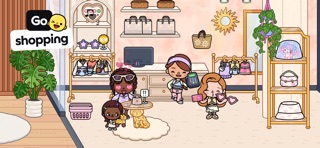
Toca Boca's official new-player information currently describes three starter Character Creator slots, around two hundred free Home Designer items and furniture, and nine wall-and-floor surface designs. The Free House, Free Family House, Fashion Store and Flipside Park give practical starting places for different kinds of roleplay.
Use those tools in a purposeful order. Make a character who is opening a small café, arrange a space for preparing food and meeting a customer, then choose the outfit that suits the role. A recognisable project helps you decide which new item is useful instead of treating every unlocked decoration as something that must be placed immediately.
Create a Story With a Beginning and an Ending
Give the main character a visible problem: they are ready to leave but cannot find their bag, or a visitor arrives before lunch is ready. Show the normal arrangement first, then introduce the interruption. Keep the important prop distinct so the next action is clear.
Finish with an arrangement that answers the problem. The bag is found under a chair, or an extra place is set at the table. Two characters and one changed object can communicate that ending. You can then replay the scene with a different response rather than adding several unrelated surprises.
Home Design: Build for the Way You Play
In the app's Home Designer, begin with the house's purpose: a family home, a restaurant, a shared apartment or a place for a story to happen. Toca Boca's official Style Selector instructions explain the blue hammer button in a Home Designer district and the choice between Ready to Play and Ready to Decorate. The first gives you a furnished starting arrangement; the second suits a room you want to design yourself. Choose before building rather than deleting a room you already care about just to test a preset.
Work from the large layout to the smaller props. Put the food-preparation area near the café seating, leave space for characters to move and give clothes or school items an obvious storage area. Then act out a short routine in the room: enter, collect an item, sit down and leave. Move the furniture that obstructs that routine before adding more decoration. A house becomes more enjoyable when the layout supports the actions you intend to repeat.
Characters and Personal Style
Use Character Creator to establish the person, then Outfit Designer to build a wardrobe for their activities. The official Outfit Designer instructions describe the mannequin icon in the map's creator-tools menu. Choose the adult or toddler type, combine available clothing pieces, and use the top-left back button to save a finished look. The tool supports up to thirty outfits, with a hanger/wardrobe route for finding created looks in the supported menus.
Its available pieces matter: Outfit Designer uses its included items and supported Style Pack pieces, rather than every gift or Character Creator outfit. Plan a normal outfit and an activity-specific one for the same person, such as a café worker's everyday clothes and working look. Keep the main hairstyle or another identifying feature consistent so a costume change still reads as the same character returning to the scene.
Modes and Creative Activities
You can make a session about decorating, character styling, exploration or a finished roleplay scene. Choose the activity before opening all available tools. If you want to decorate, concentrate on a room's layout and colour balance. If you want to tell a story, use a room that already works and spend more attention on people, props and the order of events.
Try changing just the session's purpose while keeping the same setting. A kitchen can host a cooking scene, a quiet conversation or a search for a missing ingredient. This is an easy way to get more play from the locations already available to you. It also helps you decide whether a new location would add an activity you need, rather than merely giving you another place to rearrange.
Explore Through Small Experiments
Give an object a plausible job before moving it. Take food to a preparation or eating area, bring clothing to a character, or move a parcel towards the person receiving it. Sorting interactions by purpose makes discoveries easier to remember than tapping every item in the room.
Use a discovery immediately in the next scene. An object that opens can become the surprise inside a delivery; an item that can be carried can travel with the character. This turns exploration into a source of story ideas instead of a separate hunt for unexplained effects.
When an Interaction Does Not Behave as Expected
Separate a placement problem from a feature that is not available. Move the item onto an empty, obvious surface first. If it works there, the original spot may have been crowded or unsuitable. If it never responds, look for a different active object or a visible button. This quick comparison can prevent you from resetting a whole room to solve one difficult drop.
For a problem in the app, consult Toca Boca's official Bug Board before following an old community fix. Check the affected feature and the date of the report. Restarting, reinstalling and resetting a world are different actions with different consequences; do not jump to the most disruptive option just because a prop did not land where you expected on the first attempt.
Gifts, Collections and Progress
For a new gift, go to the Post Office in Bop City, choose the gift-symbol button and open the gift that arrives. Toca Boca's official weekly-gift instructions explain the double-tap opening action and the Friday release schedule. Claim-time details can change during events, so check the current instructions rather than assuming that an old video shows today's offer.
For gifts you have already claimed, use the Post Office's Lost & Found display. The current collection system helps you find items without relying only on the older physical shelves shown in some videos. If a claimed gift has been trashed, its original source matters: an item obtained directly from Lost & Found can return there, while an item that came in a box can return to that container. Gifts are also tied to the relevant installation, which is a different issue from restoring ownership of a bought pack.
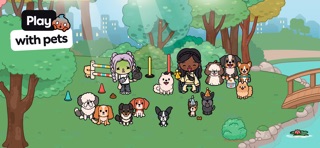
Give a collected item a role in the next scene. A parcel can begin a delivery, a clothing item can become part of a celebration and a pet can change the routine of a household. Organising those items around an activity makes a growing collection easier to use than filling every available surface with gifts that never take part in the story.
Restoring Bought Content in the Official App
If a bought Toca Boca World pack is missing, identify the store account used for the purchase and check the official help information for that device. Keep purchase receipts private and use the developer's support route for account-specific questions. Ownership of a purchased pack, a saved room arrangement and a claimed gift are different things, so describe precisely what you are trying to recover.
Before following recovery steps, distinguish an absent store item from a prop or room that has been rearranged during play. Include the affected location or pack name when asking for help. That detail makes a support request more useful and avoids treating every problem as lost ownership. Do not reinstall or clear app data simply as a first experiment when you care about an existing world.
Advanced Tips: Give a Room More Than One Use
Keep a flexible central area and change the props that define the activity. The same table can serve breakfast, hold a homework project or become a shop counter. Store unused items together so switching scenes takes a few deliberate movements instead of a complete rebuild.
Make a before-and-after pair: a host preparing for a visit, then the room with the guest present. Change chairs, food and personal items to show the action. The setting stays recognisable while the props communicate what happened.
Similar Games for Creative Play
Look for character-creation games when the most enjoyable part is choosing appearance, and digital dollhouse games when you prefer moving people and objects through rooms. Avatar World also centres on characters, homes and imagined everyday activities. Gacha Life and Gacha Club put more attention on anime-style character design and scenes.
Choose by the activity you want next. A character designer suits a cast reference; a home-design activity suits a room project; a roleplay setting suits a short visit or family routine. Toca Boca World's strength is connecting these interests in a world you can keep returning to. Finish the scene you are working on, then use a different creative game when you want another set of tools or a different visual style.
Browser games in this collection
- Toca Boca and Avatar Mix — A franchise-labelled browser mix is best approached as its own character-and-scene game. The title points towards the same dollhouse storytelling interests as Toca and Avatar: recognisable characters, places to put them and small everyday situations.
- Avatar World City Life — Explore a character-led city-life setting in a third-party browser game. The attraction is arranging everyday scenes and deciding what the inhabitants do, rather than completing a timed reflex challenge.
- Avatar World: Your House — Focus on a house as the stage for character stories. This browser title is a close thematic choice for players who enjoy a dollhouse setting, domestic objects and choosing a role for each inhabitant.
- Avatar World Secrets — A Yiv.Com browser title about arranging a room, dressing an avatar family and making up a life story. Its mix of setting and character choices is a close fit for dollhouse players.
- Avatar Life My Town — A casual home-story simulator with characters and everyday scenes. It is related by pretend-play mechanics, with no verified Pazu or Toca affiliation.
- TB Avataria Life Girl — A home-decoration and clothing game with keyboard movement listed. Its own currency and progression belong to this browser release.
Toca Boca World Activities for a Different Focus
Change the focus of a Toca Boca World visit without abandoning the world you have already made. Spend one session on an outfit, another on the layout of a room and another on a finished conversation or visit. These are different creative tasks, and each can have a clear ending.
For an outfit session, prepare clothes for a particular activity. For a home-design session, make a route through the room usable before adding decoration. For a story session, reuse a finished room and spend attention on the characters' actions. This gives existing locations more life and makes it easier to decide which new object or place would genuinely add something to the next project.
History and Updates
Toca Boca develops Toca Boca World as part of its creative-play catalogue. Locations, tools and offers can change, so the official product and support pages are better references for current app availability than an undated list of supposed unlocks. Use current product information when checking a new feature or changed location.
Keep your creative project independent of a particular update. A scene about a visitor, a school morning or a café can be adapted to the people and props already available. When a new room or item appears, decide what it contributes to that project. This turns an update into a creative choice rather than a reason to abandon a setting you have already made enjoyable.
Choose One Story to Tell
Play Toca Boca World online with a person, a place and one event. Move the props that make the event visible, act out the change and leave a clear ending. A few purposeful items are enough for a satisfying scene.
For a project, connect Character Creator, Home Designer and Outfit Designer around that same idea. Finish the character or room you need now, then expand when the next story calls for it.
Frequently asked questions
What can I do in Toca Boca World?
Create characters, design homes, choose outfits and tell stories by moving people and props through locations. A small event such as a café visit or a lost-item search gives a new scene a clear purpose.
Which tools should I learn first?
Character Creator establishes the cast, Home Designer shapes the setting and Outfit Designer prepares clothing combinations. Connect those tools around one project rather than trying to use every option at once.
How do I move objects and characters?
Use the supported direct touch controls to select and move active objects or people. Release an item carefully near its intended hand, surface or other destination, and keep crowded areas clear when making a precise placement.
How do I save an outfit in Outfit Designer?
The official instructions describe opening the mannequin option in the creator-tools menu, creating a look and using the top-left back button to save it. The tool has its own supported clothing pieces and outfit limit.
Where can I find gifts in Toca Boca World?
Visit the Post Office in Bop City for weekly gifts and use the Lost & Found collection for relevant claimed items. Check the official gift information when an item is missing, as containers and installation history can affect where it is found.
What should I do if a purchased pack is missing?
Check the store account associated with the purchase and follow Toca Boca's device-specific support information. Identify whether the missing thing is pack ownership, a saved arrangement or a claimed gift before taking recovery steps.

Good game? Tell us.0
Share a tip, celebrate a high score, or tell us what you think. Keep it friendly.